DopamineKart · Legit

How to Edit a Family Photo Collection Before Choosing Frames and Building a Gallery Wall

Measure the wall, plan the display, curate the collection, and preview every crop before choosing frames or ordering prints.

By the DopamineKart editors
How to Edit a Family Photo Collection Before Choosing Frames and Building a Gallery Wall

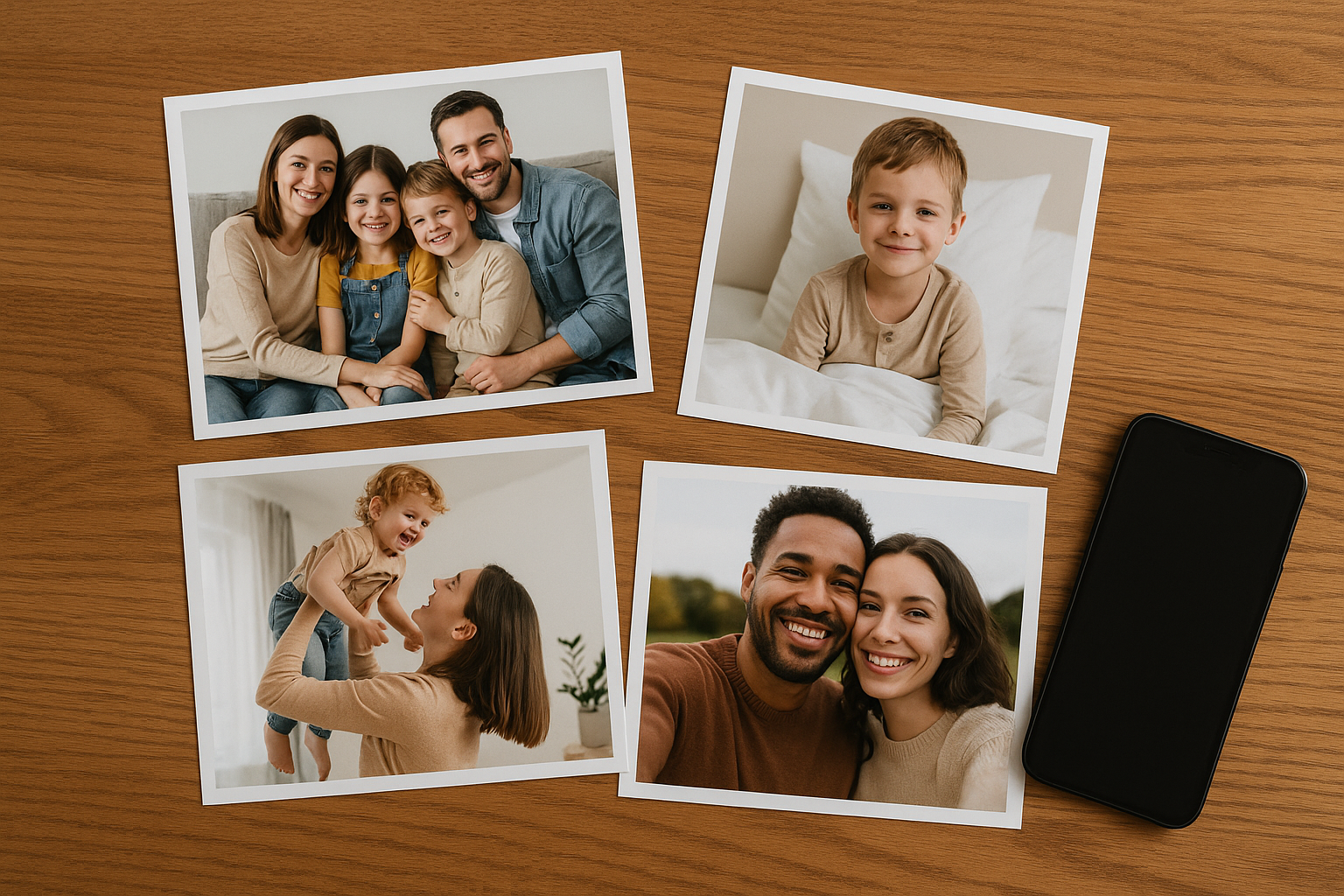
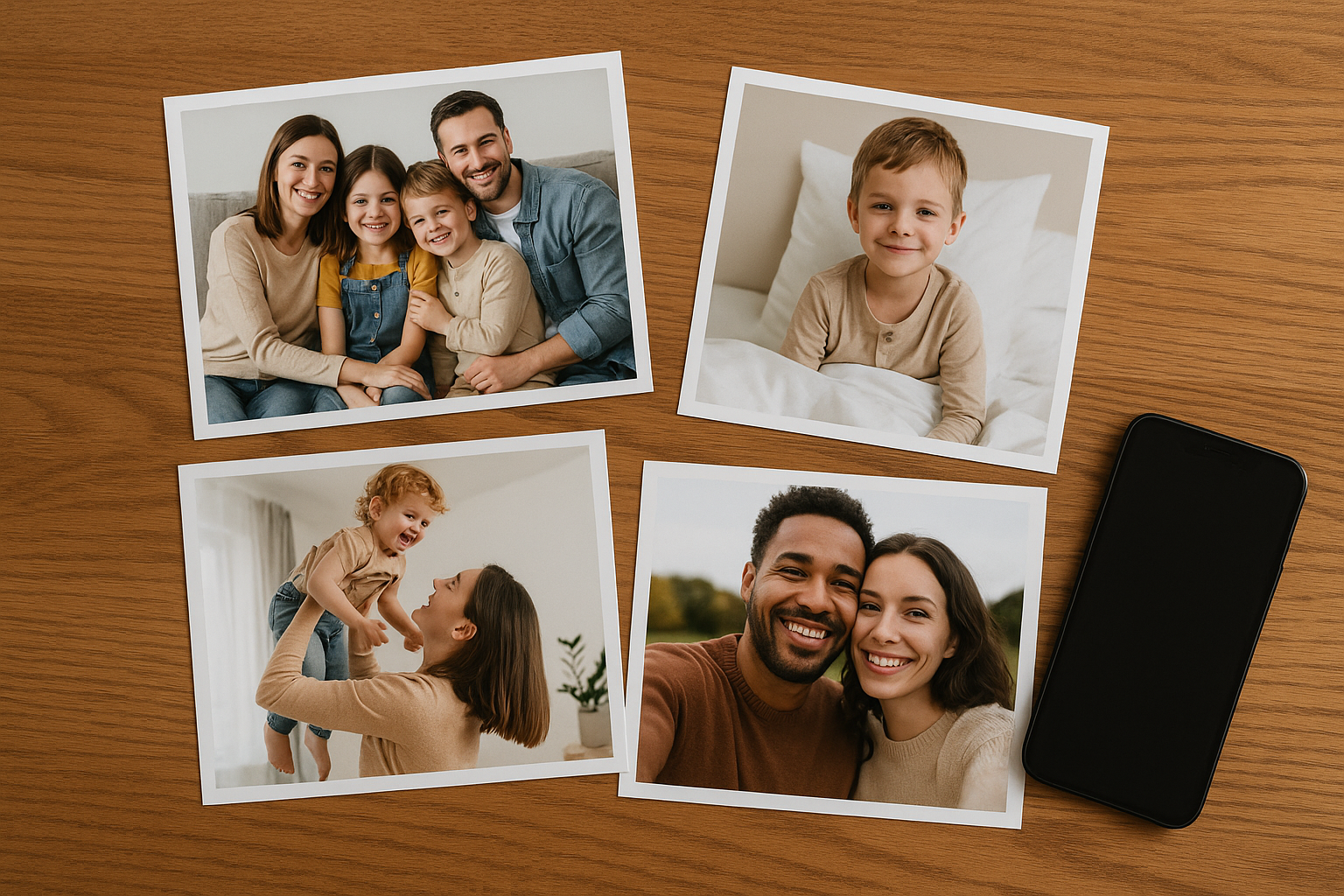
A Step-by-Step Workflow for Curating Family Photos

1

Set the Display Constraints

Measure the available display area, choose an approximate layout and image count, and decide whether the wall will be chronological, thematic, or intentionally mixed. These constraints keep the collection from driving an impractical frame plan.

Planning diagram · display constraints
Plan
Set the Display Constraintsadd or generate
2

Consolidate, Back Up, and Group

Consolidate digital copies without discarding originals, then back up the complete collection. Scan physical photos, label both physical and digital images, and work from copies. Group images by event, vacation, family member, milestone, subject, or era; remove near-duplicates from consideration while preserving the source files.

Workflow diagram · consolidate and group
Organize
Consolidate, Back Up, and Groupadd or generate
3

Score, Shortlist, and Balance

Score every candidate from 0 to 2 for emotional importance, technical quality, crop flexibility, useful orientation, visual variety, and representation of subjects and eras. Compare totals without treating them as absolute: identify a few anchor images, balance portraits with candid shots, and check that no person or period dominates unintentionally. Make a provisional shortlist matching the planned image count, plus a reserve list for substitutions.

Selection diagram · score and shortlist
Curate
Score, Shortlist, and Balanceadd or generate
4

Edit Copies, Not the Curation

Finish selecting before editing files. Use any tool that supports reversible adjustments and work only from copies of digital files or scans. Correct lighting and color with restraint, and apply consistent adjustments in batches when appropriate. Avoid aggressive sharpening or restoration that can introduce an artificial look or erase meaningful detail.

Editing diagram · reversible adjustments
Edit
Edit Copies, Not the Curationadd or generate
5

Mock Up Crops and Placements

Test the shortlist in the approximate wall layout before selecting frames. Mock up landscape and portrait placements, preview each proposed crop, and use the reserve list when an image cannot fit without losing important content. Choose aspect ratios only after the arrangement works as a whole.

Layout diagram · crops and placements
Preview
Mock Up Crops and Placementsadd or generate
6

Confirm Dimensions, Export, and Print

Before final export, confirm the exact frame openings and any mat dimensions—not only the advertised frame sizes. Recheck crops against those openings, export suitable copies, and use a reputable photo printing service. Keep the originals and reversible working files unchanged.

Print diagram · final dimension check
Print
Confirm Dimensions, Export, and Printadd or generate

Curation and Editing: Dos and Don’ts

Do
  • Do label files carefully, preserve originals, and make reversible edits to copies.
  • Do batch similar adjustments for consistency, then inspect every crop individually.
Avoid
  • Don’t rush sorting, delete source files, or let near-duplicates crowd out visual variety.
  • Don’t edit without a backup or finalize crops before confirming frame openings and mat dimensions.

Pre-Print Checklist

Confirm the measured wall area, layout, image count, and organizing idea. Verify that originals are backed up; the shortlist is balanced across subjects, eras, orientations, and image styles; reserve choices are ready; edits remain reversible; placements and crops have been mocked up; and every final crop matches the exact frame opening and mat dimensions before export and printing.

FAQ

What editing tools should I use, and how should I handle low-resolution originals?

Use any tool that can preserve originals, create copies, make reversible lighting and color adjustments, preview crops, and apply consistent edits when needed. For a low-resolution original, favor a smaller print or a less severe crop, preview it at the intended output size, and avoid aggressive sharpening or restoration. If it remains important despite technical limits, keep it as an anchor or move it to the reserve list based on how it works in the mock-up.

Can I mix color and black-and-white photos, and what should I do with duplicates?

Yes. A gallery can be intentionally mixed if the arrangement still has visual balance across eras, subjects, orientations, portraits, and candid images. Group or distribute color and black-and-white photos deliberately in the mock-up rather than forcing every image into one treatment. For duplicates and near-duplicates, retain the originals in the archive but choose the version with the strongest emotional importance, technical quality, crop flexibility, and fit; place the runner-up on the reserve list.

Sources

Editorial disclosure. This article contains no product or affiliate links and no "buy" buttons. Method. It is a researched editorial article, not a hands-on test or firsthand visit unless the article explicitly says otherwise. Claims are based on the sources named in the article and may change.

Corrections: email us